Dash to dock, the popular GNOME Shell extension that brings the bottom bar (aka Dash) out of the overview screen, released new 107 (and 108 with quick fix) today.
The new version of this extension, that’s default in Ubuntu (aka Ubuntu Dock), fixed various issues for the latest GNOME 51 compatibility and introduced a new API.
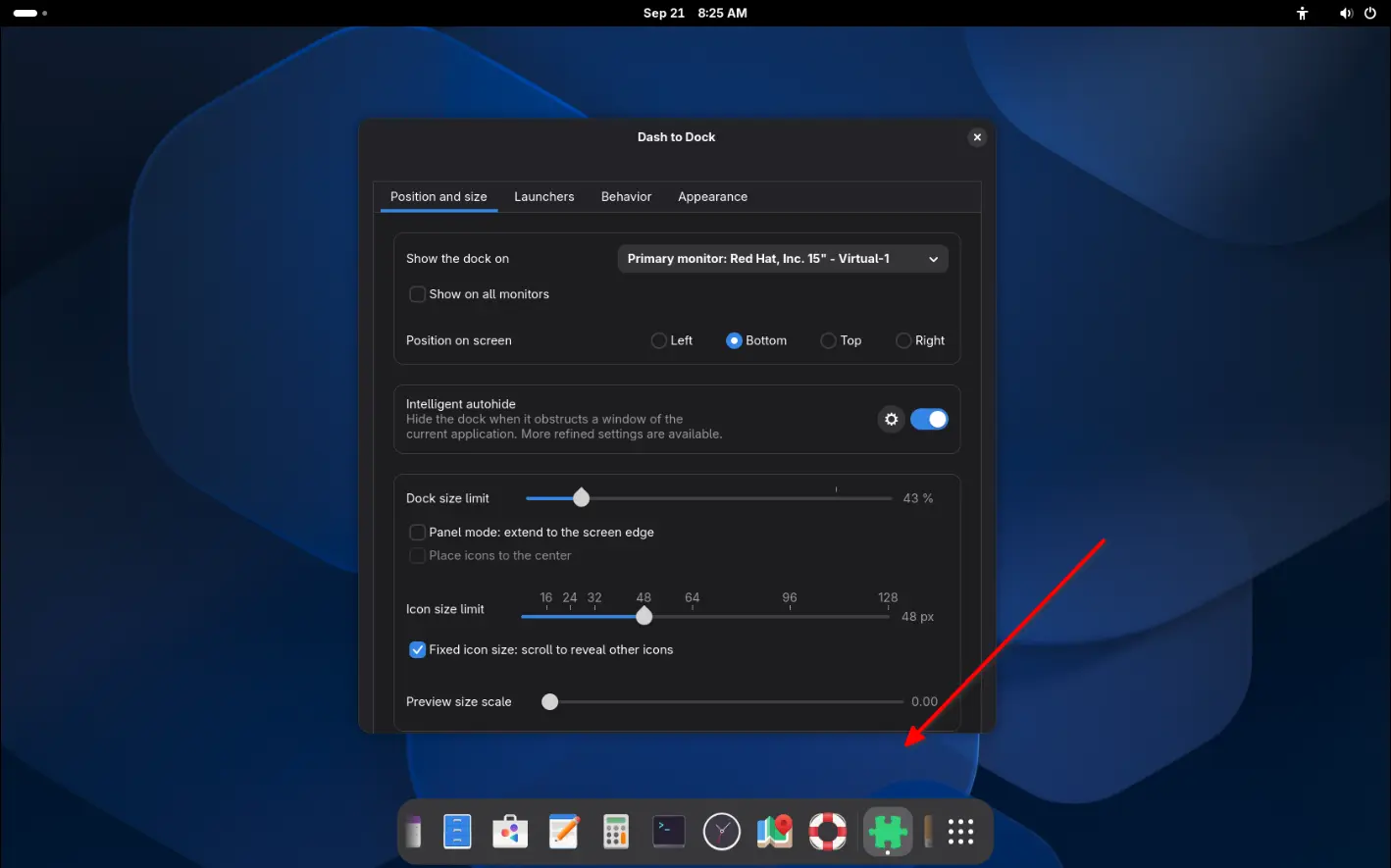
The new version introduced a DockStruct API. It allows other GNOME Shell extensions to detect the Dash-to-Dock information, including the position, x y coordinate, and width and height, useful for placing their own UI elements appropriately.
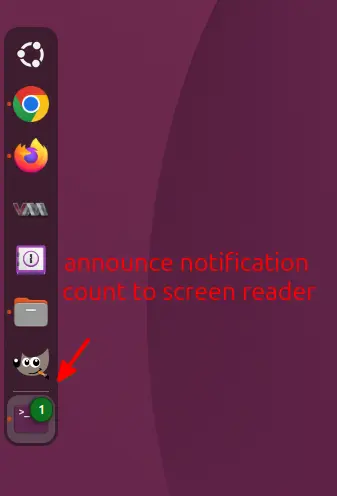
For screen-reader users, Dash to Dock 107/108 added accessible label for the notification badges on app icons, so it will announce unread notification count to screen readers.
Besides the new API and A11Y update, other changes are mostly bug-fixes and small performance improvements.
When placing the dock horizontally in bottom, it now properly detect the main dash height on Gnome Shell startup.
And, it now avoids repeating layout calculations when the dock’s size and position haven’t actually changed.
How to Install Dash to Dock in your GNOME Desktop
Dash to Dock is available in Ubuntu out-of-the-box as “Ubuntu Dock”, you don’t have to install it.
For Fedora Workstation other Linux with GNOME, install the extension either via your distribution provided package or by visiting dash-to-dock EGO page in web browser.
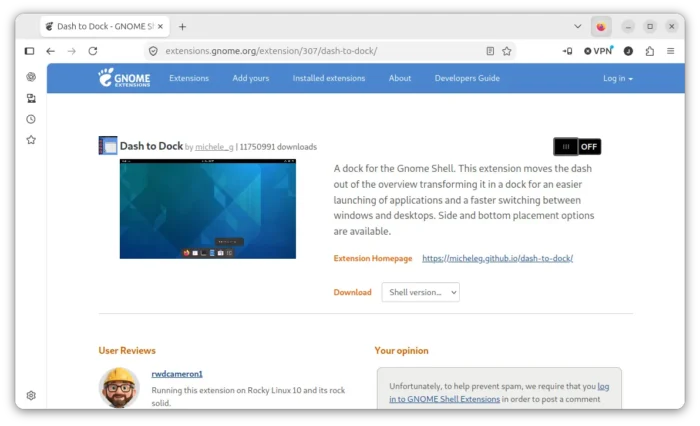
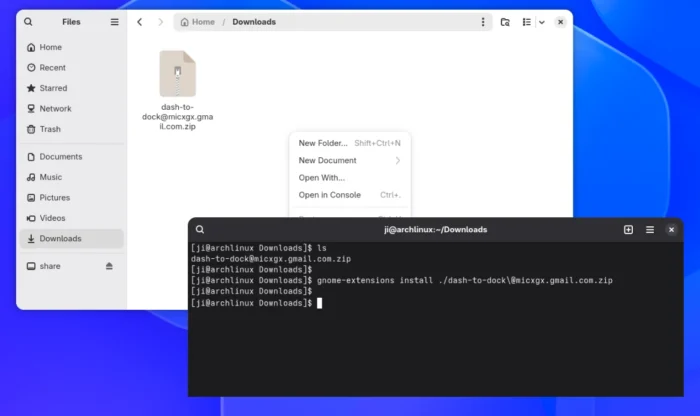
Or, manually download the extension (“[email protected]” under Assets section) from Github releases page. Finally, open Downloads folder in terminal, run command to install:
gnome-extensions install ./[email protected]
In the case, you need a log out and back in to apply changes.