Enlightenment, the minimal Linux desktop, released new 0.28.0 version in last week. Here’s how to install it in Ubuntu via PPA.
Enlightenment 0.28.0 features initial NetBSD support, including power commands and signal handling, native PipeWire mixer, many network and power management improvements.
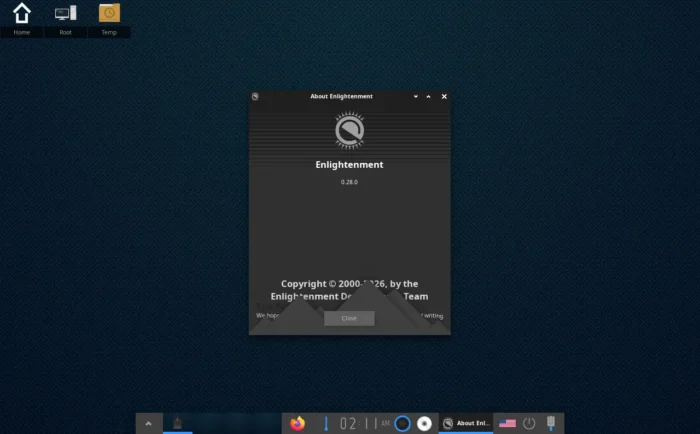
Enlightenment desktop 0.28.0
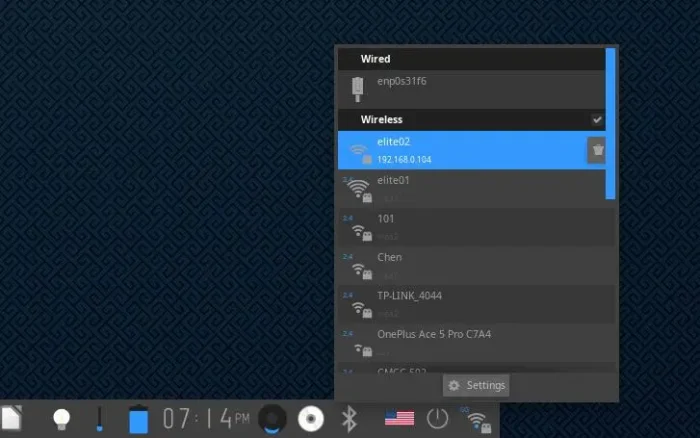
The release now automatically detects NetworkManager and ConnMan network services. When using either service, it can now manage previously saved network connections and forget them.
It has a new NetworkManager module, allowing users to manage Wi-Fi, wired connection, bluetooth, and VPNs. And, it adds a network traffic indicator that collects traffic statistics in a separate thread with configurable time interval.
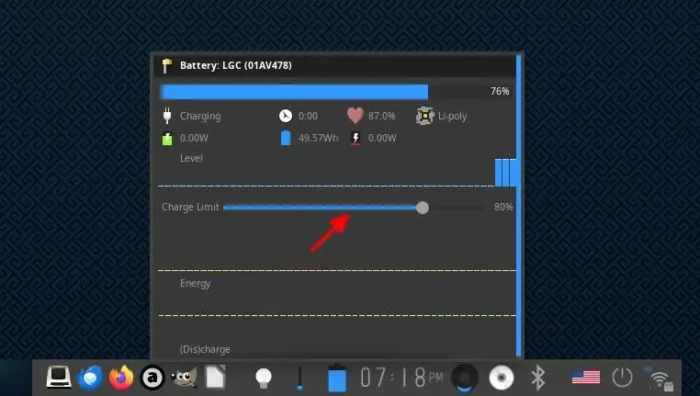
For laptop users, it supports battery charge limits to maximize long-term battery lifespan, and, it remembers the maximum charge settings on per battery basis.
And, it adds ACPI CPU power profile support and handling for all kernel-provided options, useful for laptops switching between performance and power-saving modes.
Other changes in Enlightenment 0.28.0 include network signal strength, security indicators, VPN import, mixer actions to select and circle audio outputs, as well as:
- Native PipeWire mixer support.
- Add clipboard history module.
- Support always-on-top, always-below, and normal stacking window actions.
- Add native macOS menu integration.
- Taskbar text scrolling on hover.
- Add portable system-audio output API with Edje sound playback migration.
There are as well a large amount of other new features and improvements. See the official release note for details.
How to Install Enlightenment 0.28.0 in Ubuntu
Besides building from source, I’ve built the new Enlightenment 0.28.0 into this unofficial PPA.
The PPA supports Ubuntu 22.04, Ubuntu 24.04, Ubuntu 26.04 and 26.10, though it has only been tested on Ubuntu 26.04.
Simply press Ctrl+Alt+T on keyboard to open terminal, then run command to add the PPA:
sudo add-apt-repository ppa:ubuntuhandbook1/e17
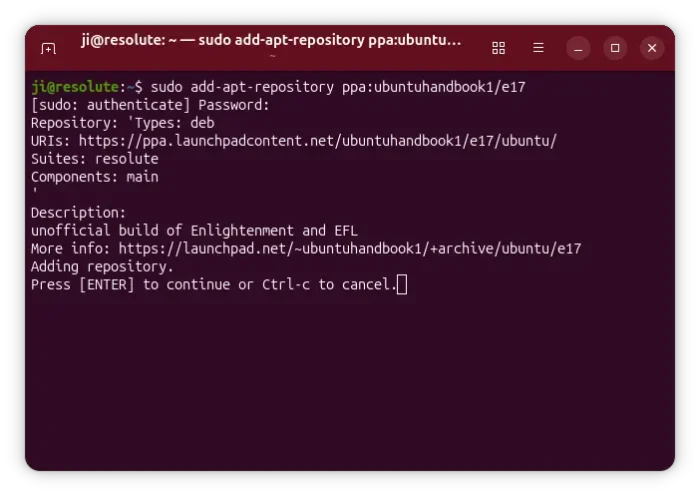
Then, you can run the commands below one by one to refresh cache and install e28 and it’s terminology (optional) terminal:
sudo apt update
sudo apt install enlightenment terminology
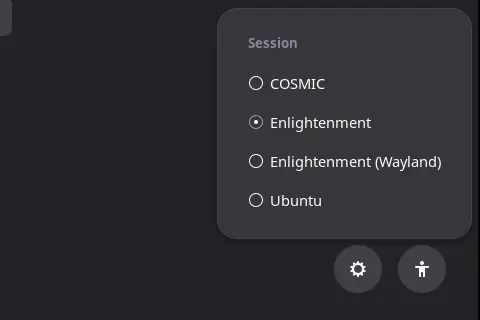
After that, restart computer. Then, choose the Enlightenment session from the login screen.
Uninstall Enlightenment
To remove the Enlightenment desktop, open terminal and run command:
sudo apt remove --autoremove enlightenment libecore1
NOTE: Keep an eye on terminal output, before answering yes. It may also remove leftover packages from previously uninstalled apps.
And remove the PPA via command:
sudo add-apt-repository ppa:ubuntuhandbook1/e17
For some Ubuntu-based distros, such as Linux Mint, also run sudo apt update to refresh cache manually.