


Opera, the free Chromium based web browser, released new stable 134 version a few days ago.
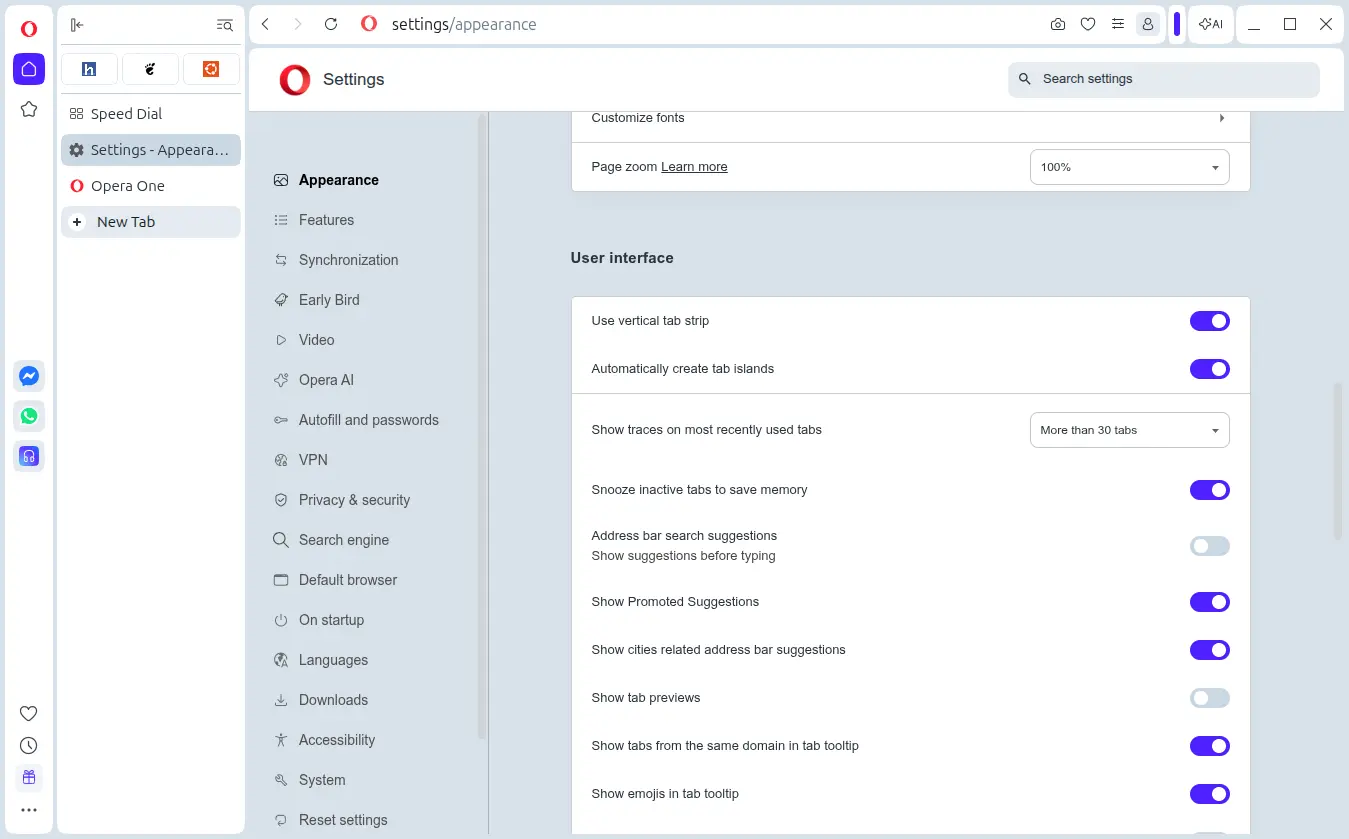
The new Opera version updated its Chromium base platform to the previous 150 stable release. And, it finally makes the Vertical Tabs feature available for all users.
Vertical tabs is the popular feature that displays the browser tabs vertically in left side-bar. Modern browsers (e.g., Chrome and Firefox) now support vertical tabs. Opera introduced it as an experimental feature since version 132. Now, it’s generally available for all users.
To enable the feature, simply right-click on a tab and select “Use vertical tab strip”, and, you may switch back by choosing the “Use horizontal tab strip” context menu option.
As you see via the screenshot below, it also features tab grid layout for pinned tabs, with drag’n’drop re-arranging support.
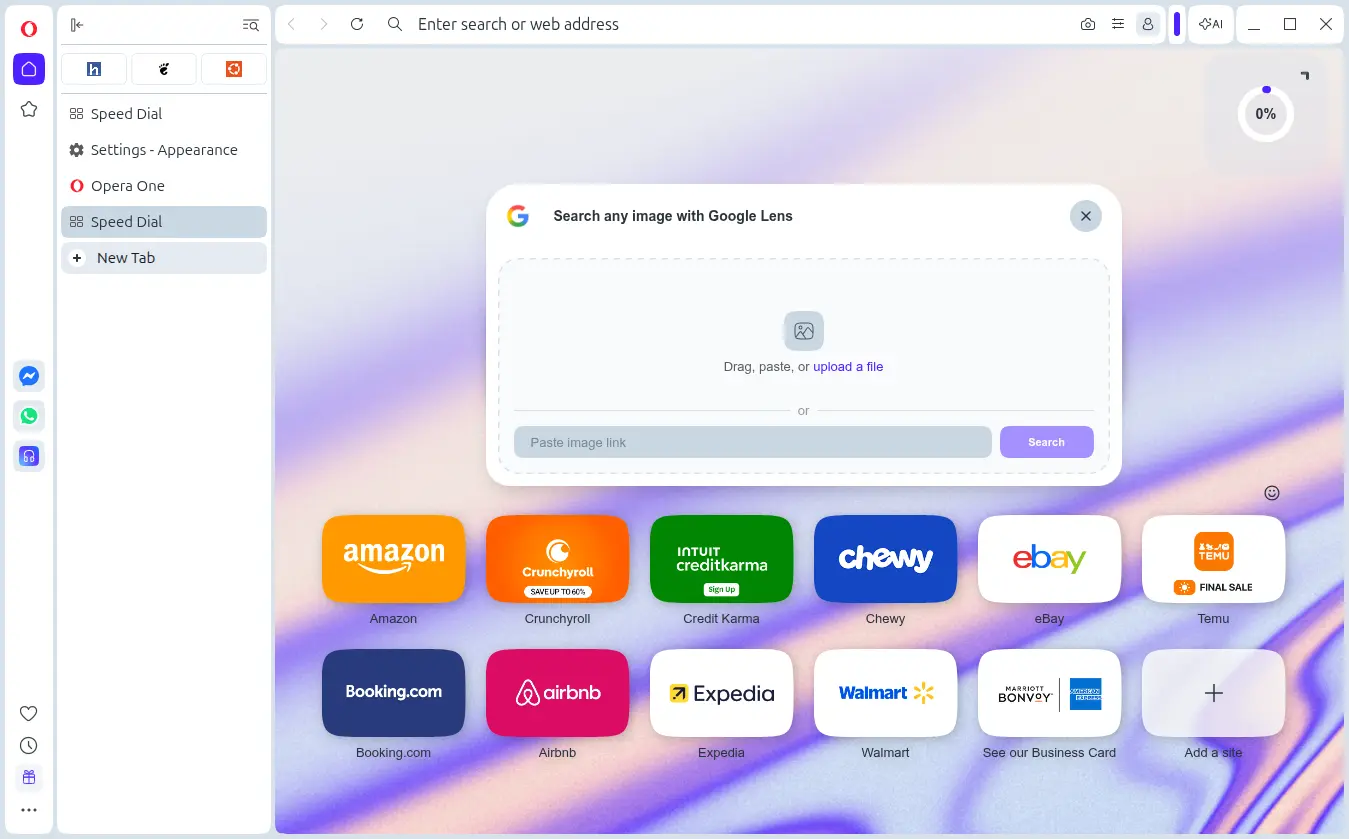
The Google Lens image search in the start page is also generally available for all users. Just click on the icon in the right of “Search the web” bar, then you can upload or paste an image, or input an URL to an image to search in Google via image instead of words.
In addition, the new version introduced direct AAC decoding support through Web Audio API, which can reduce latency and improve performance.
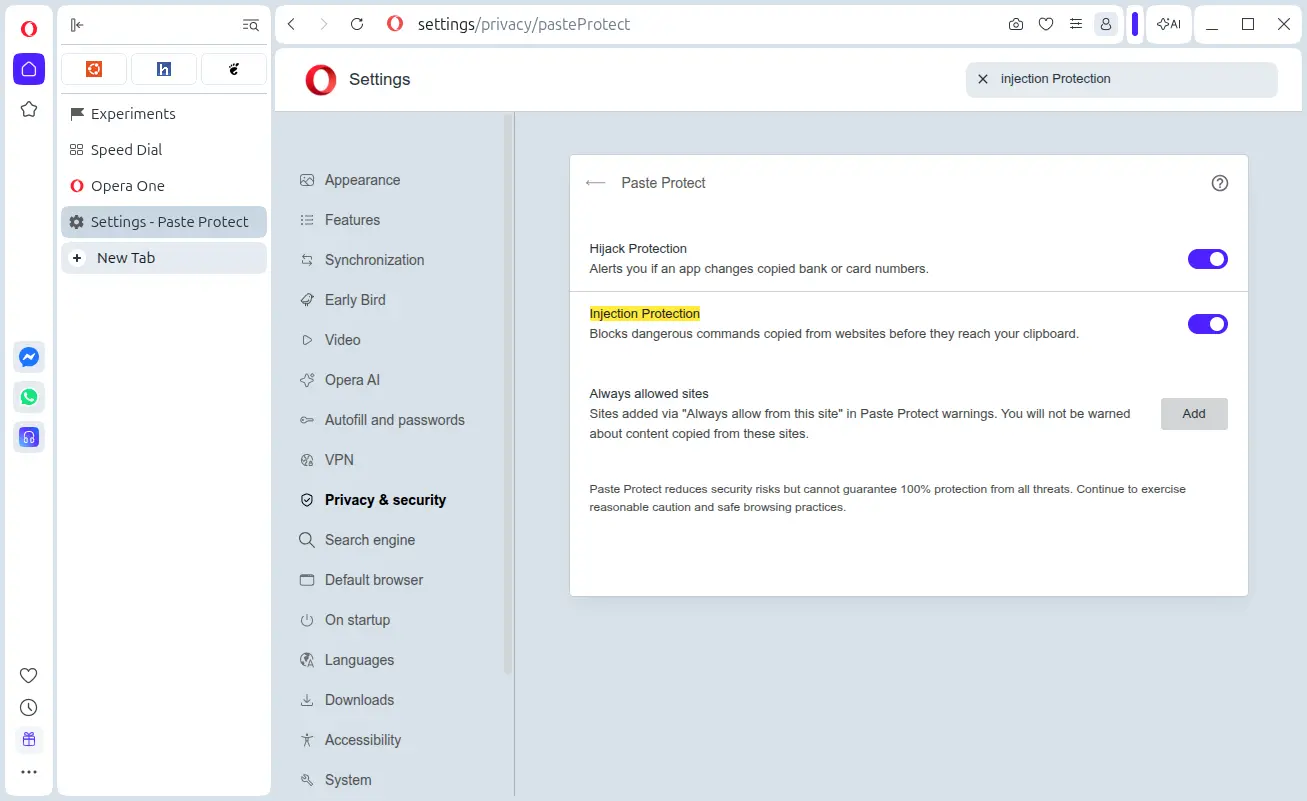
It also exposed the new injection protection feature for all users, which can prevent dangerous commands copied from websites before they reach your clipboard. The feature is enabled by default, and, user can toggle on/off this feature by going to Privacy & security -> Paste Protection setting page.
Other changes are mostly UI updates (such as refreshed Google service icons across the sidebar, sidebar setup, and Speed Dials), bug-fixes, and other small improvements. They include:
- Fix that MV2 extensions blocked on browser startup.
- Fix pop-out and fullscreen behaviour on Windows and Mac.
- Add
#google-ai-modeinternal feature flag. - Update Jira MCP server setup docs for native Python server.
For more about the new Opera 134, see the changelog.
Get Opera 134 Stable
The official release note as well as the download link are available in Opera website via the link below:
Besides download & install the native .DEB package for Debian/Ubuntu, .RPM for Fedora/RHEL, it’s also available in Ubuntu App Center (or Ubuntu Software) as Snap package. And, most Linux may install it through the community maintained Flatpak package.














All browsers look the same nowadays. I remember testing Opera for the first time 20 years ago; its design felt way ahead of its time compared to Internet Explorer and Firefox.
Possibly because they are mostly based on Chromium or Firefox.