
Vivaldi, the Chromium based web browser, released version 8.3 a few days ago.
The new version of this popular browser app features a big overhaul of its built-in Ads and Track Blocker.
Besides disabling or blocking everything, it now provides two new options to reduce tracker and ad blocking a bit, to prevent websites from breaking.
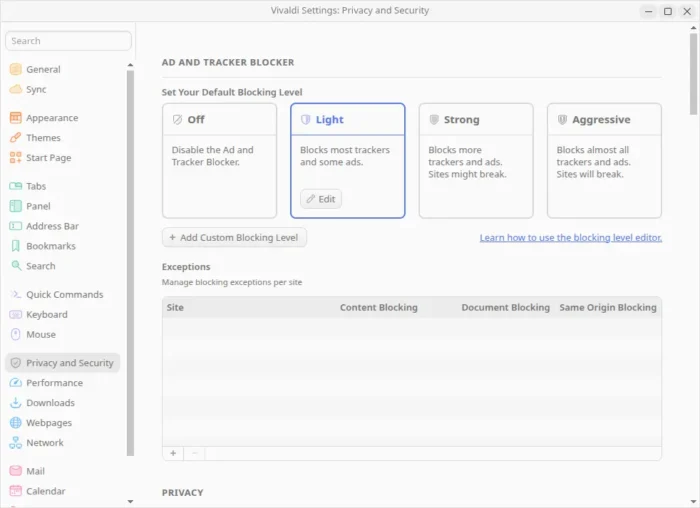
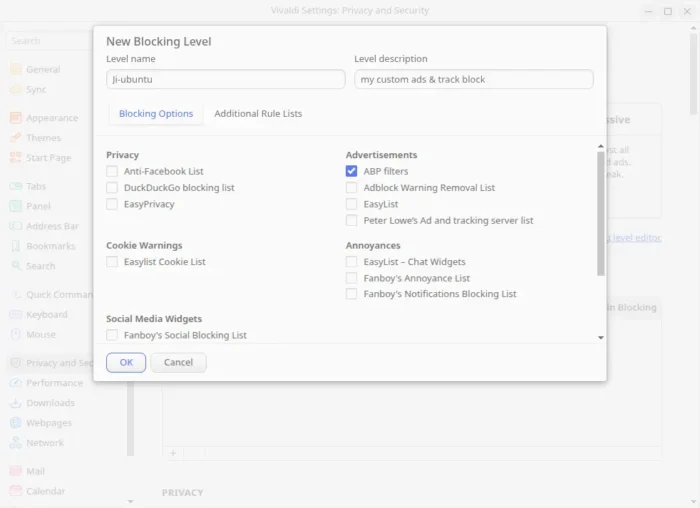
Also, it provides a new button to add Custom Blocking Level. Where you can explicitly choose which trackers, cookies, ads, and/or origins to block or allow.
And advanced user can add custom blocker list, either from remote URL or by importing from a local file.
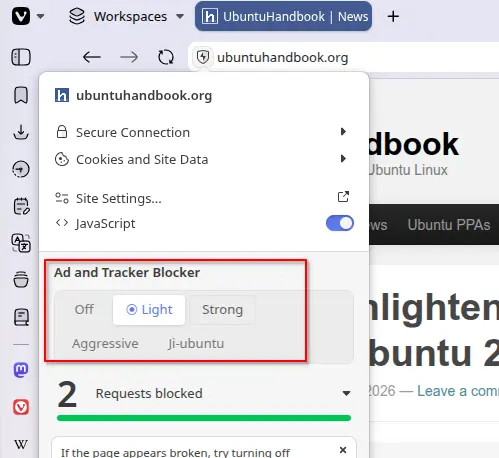
Besides applying block rules globally, it also supports per website ads & track blocker settings.
Just click on the shield icon in address bar, then choose a blocker mode from the drop-down menu. Vivaldi will remember your settings. And, it’s useful for supporting your favorite websites or fixing websites that break while keeping your global blocking settings.
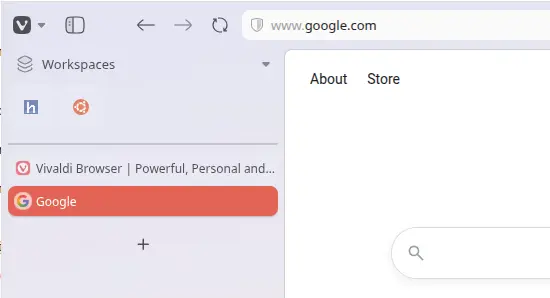
For vertical tab bar, there’s now a new Expand Tar Bar on Hover setting option for choice. With it enable, it displays a narrow bar showing only website favicons. When you move the cursor over the Tab Bar, it automatically expands to show the full tab titles.
And, pinned tabs in vertical tab bar now shows as icons in grids, while user has the choice to restore the old behavior to display the full titles.
Other changes include:
- Paste multiple URL links will open each in their own tab.
- Add “Copy Sanitized Link” option.
- Support Chrome’s Tab Groups API for extensions.
- Improve reader mode performance.
- And more, see the official release note.
Get Vivaldi browser 8.3
Vivaldi provides installer packages for Linux, Windows, and macOS, which are available to download via the link below:
For Ubuntu, either select download & install .deb (amd64/64-bit for Intel/AMD, or ARM64 for RasPi, Snapdragon X), or, simply launch App Center and search & install the Snap package which runs in sandbox.
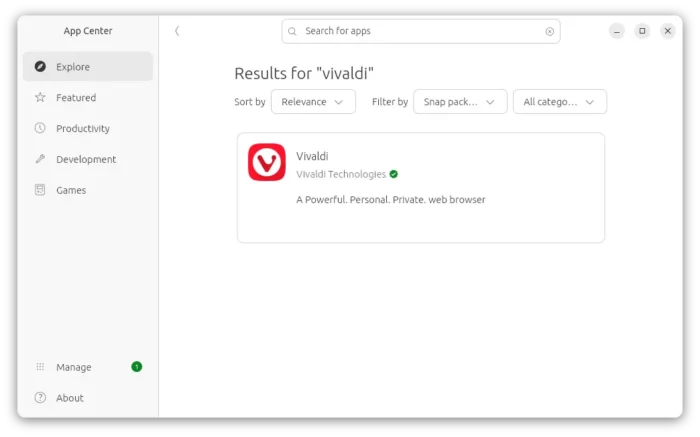
vivaldi snap package in Ubuntu App Center
And, there’s a community maintained Flatpak package, which works in most Linux Distributions by running in sandbox.