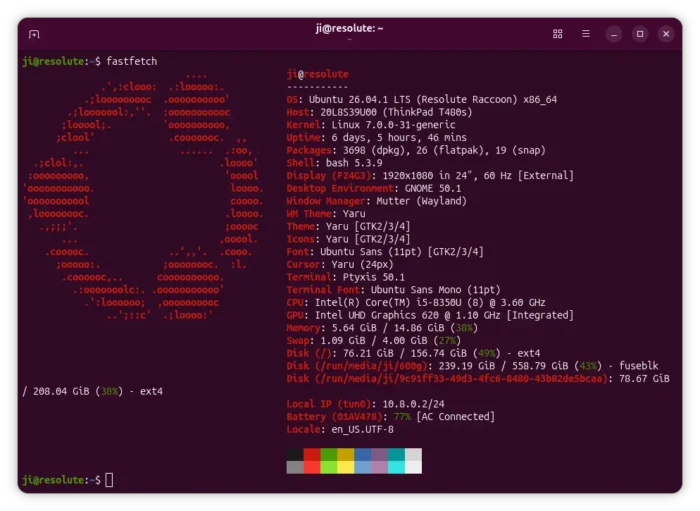
Fastfetch, the popular tool for fetching system information and displaying in command-line interface (CLI), released new 2.69.0 version yesterday.
The new version of this free open-source NeoFetch like tool added more detection support for Linux, macOS, Windows, and Android users.
For Linux, it can now display CPU name and frequency on SPARC, the RISC CPU architecture designed by Sun Microsystems, mainly used in workstations and servers, especially systems running Solaris operating system.
It now detects the version of Umbriel Wayland compositor, counts the packages installed through rum in RakuOS, and, detects packages installed on CRUX Linux.
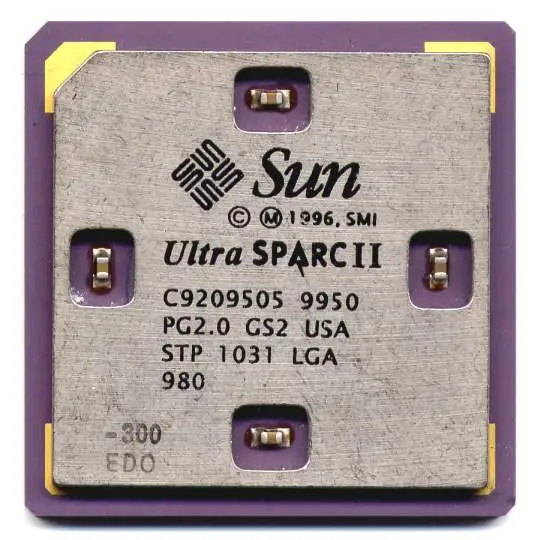
image from https://en.wikipedia.org/wiki/SPARC
On the Android side, it now detects more Android ROM names including HarmonyOS, Flyme, OneUI, LineageOS, and many others.
For Android 11 or later, it can now show Wi-Fi interface, connection, standard, and security information. On Android 13 or later, it can also show display mode, physical size, rotation, and HDR information.
And, for devices with root or ADB access, it can show detailed battery information and also display information.
On Windows, macOS, as well as Android, the image logos are now rendering with system native image processing libraries instead of ImageMagick. So ImageMagick is no longer required as dependency in these platforms.
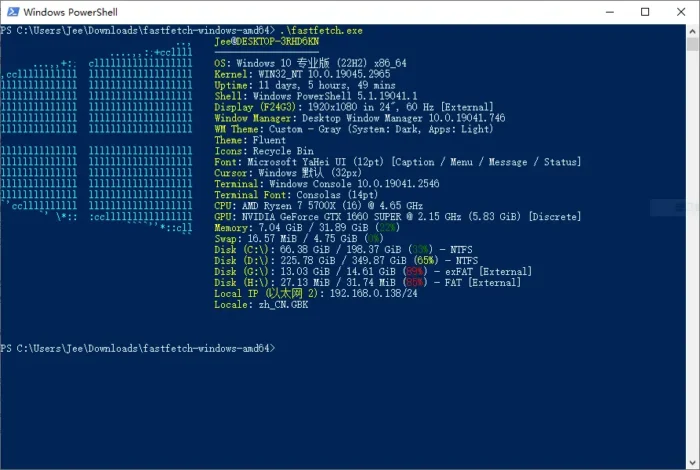
The --kitty command option, that can render a local image file as the main logo, now supports GIF and APNG animated images. By setting logo.animationFrame to 0 will play animations in compatible kitty terminals, while positive (e.g, 1, 2, 3) or negative (e.g, -1) values select a fixed image from animation.
Other changes in FastFetch 2.69.0 include:
- Add
--logo-position autothat display logo at top, when terminal window is narrow. - Sixel logos support in Windows terminal.
- Bluetooth Low Energy detection on Windows and macOS.
- Deprecate ImageMagick 6.
- Deprecate the experimental QuickJS format scripting.
Get FastFetch 2.69.0
There are also many other changes and improvements in the new 2.69.0 release. Along with the installer packages for Linux, macOS, Windows, and other supported platforms, they are available in the link below: