RustDesk, the popular open-source remote desktop software, released new 1.5.0 version today!
The new version comes with many UI and UX improvements, new and updated translations, and various bug-fixes.
For mobile device, the release add a new Lock canvas toggle in display settings. With it enabled, it prevents user from using two-finger scale gestures to pan or resize the remote screen.
The normal mouse pointer input and the existing special hold-drag behavior work as before. And, the lock only applies to the current session and is cleared when you disconnect.
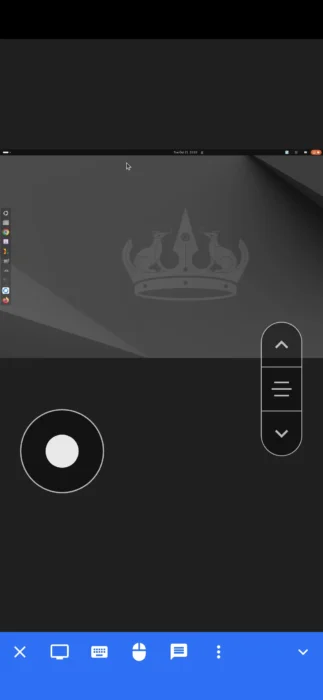
RustDesk on iPhone, accessing remote Ubuntu desktop
The mobile terminal keyboard in the release now has a collapsible third row with one-shot Ctrl and Alt modifiers, making it easier to use keyboard shortcuts and terminal commands on phones and tablets.
Also for the terminal session, it now uses platform-native copy and paste shortcuts.
In Windows, it uses Ctrl+C (with text selected) and Ctrl+V will do copy & paste actions, while Ctrl+C without text selected will send 0x03 that interrupts current command. And in Linux, it uses Ctrl+Shift+C/Ctrl+Shift+V to do copy and paste, while Ctrl+C/Ctrl+V will send 0x03/0x16 to remote terminal.
RustDesk’s terminal now has opt-in OSC 52 clipboard writes support. Meaning it can now copy text from a remote terminal application such as Vim or tmux directly to your local computer’s clipboard. The feature is however disabled by default due to security and privacy implication.
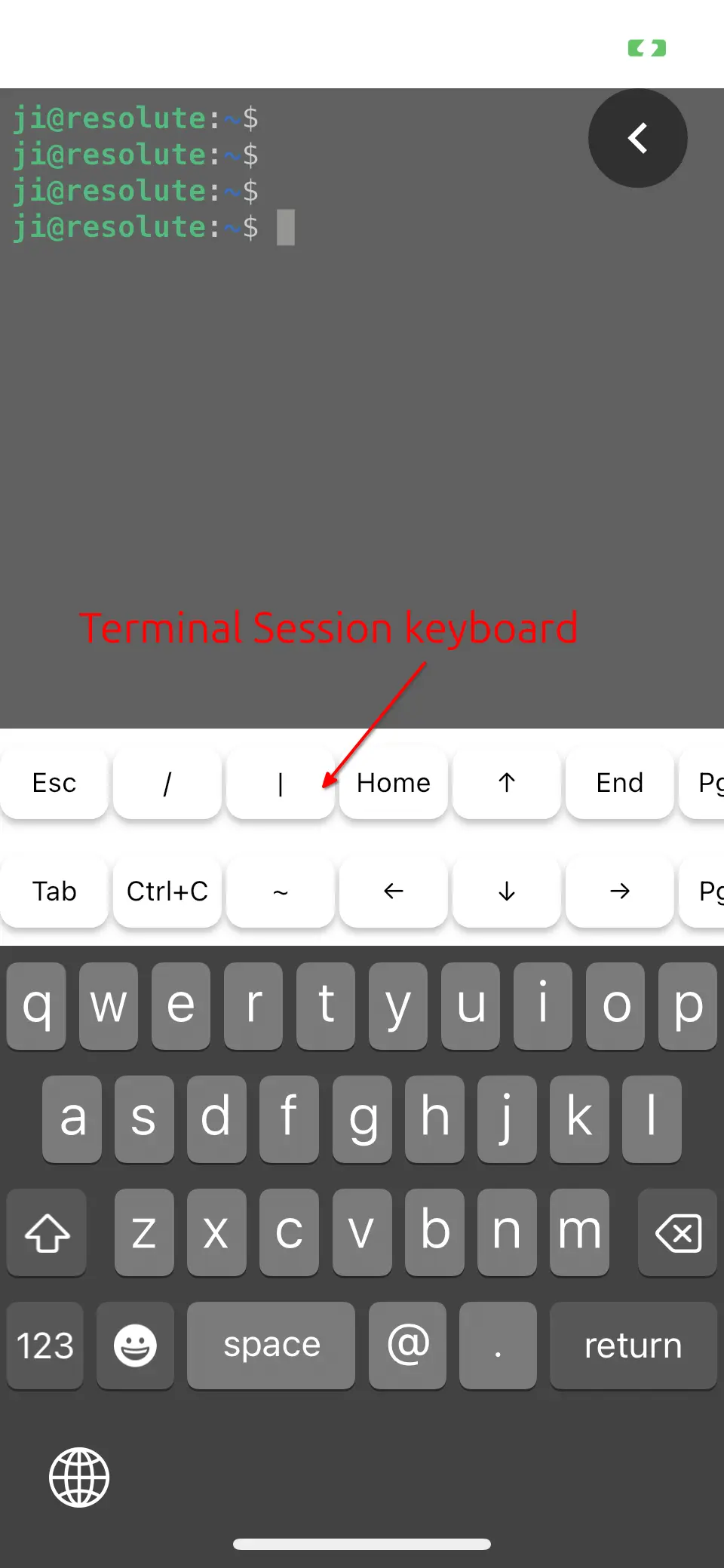
RustDesk Terminal session
For macOS, RustDesk 1.5.0 now supports auto-update silently in background. It will check & install updates 30 seconds after app launch, and retry in 30 min on failure. Though, user has choice to disable this auto-update behavior in settings.
For users who use RDP tunnel to connect to a Windows computer, this version now shows recognizable title names instead of “localhost” for every RDP session, making multiple RDP sessions easier to distinguish.
Get RustDesk 1.5.0
NOTE: RustDesk 1.5.0 so far is marked as “pre-release”, it’s NOT ready for production use!
For more about the 1.5.0 version, as well as the installer packages for Linux, Windows, macOS, Android, and iOS, go to Github via the link below:
For Linux, besides the Ubuntu (.deb) and Flatpak package at the top of link page, there are as well RHEL/Fedora, Arch, and universal AppImage packages available for downloading in the “Assets” section.