Archives For system monitor

Resources, the popular system monitor app that’s default in Ubuntu 26.04, released the Beta for the next 51 version yesterday.

As the version number indicates, the new Resources 51 aims to be the default system monitor app for the upcoming GNOME 51 desktop environment.
Continue Reading…

Mission Center, the modern popular Linux system monitor application, released new 1.2.0 version one day ago.

The new version of this free open-source Rust written and GTK4/LibAdwaita based application finally added monitoring support for laptop battery.

Continue Reading…

GNOME, the default desktop for Ubuntu and Fedora Workstation, will probably replace its default system monitor app in next release.

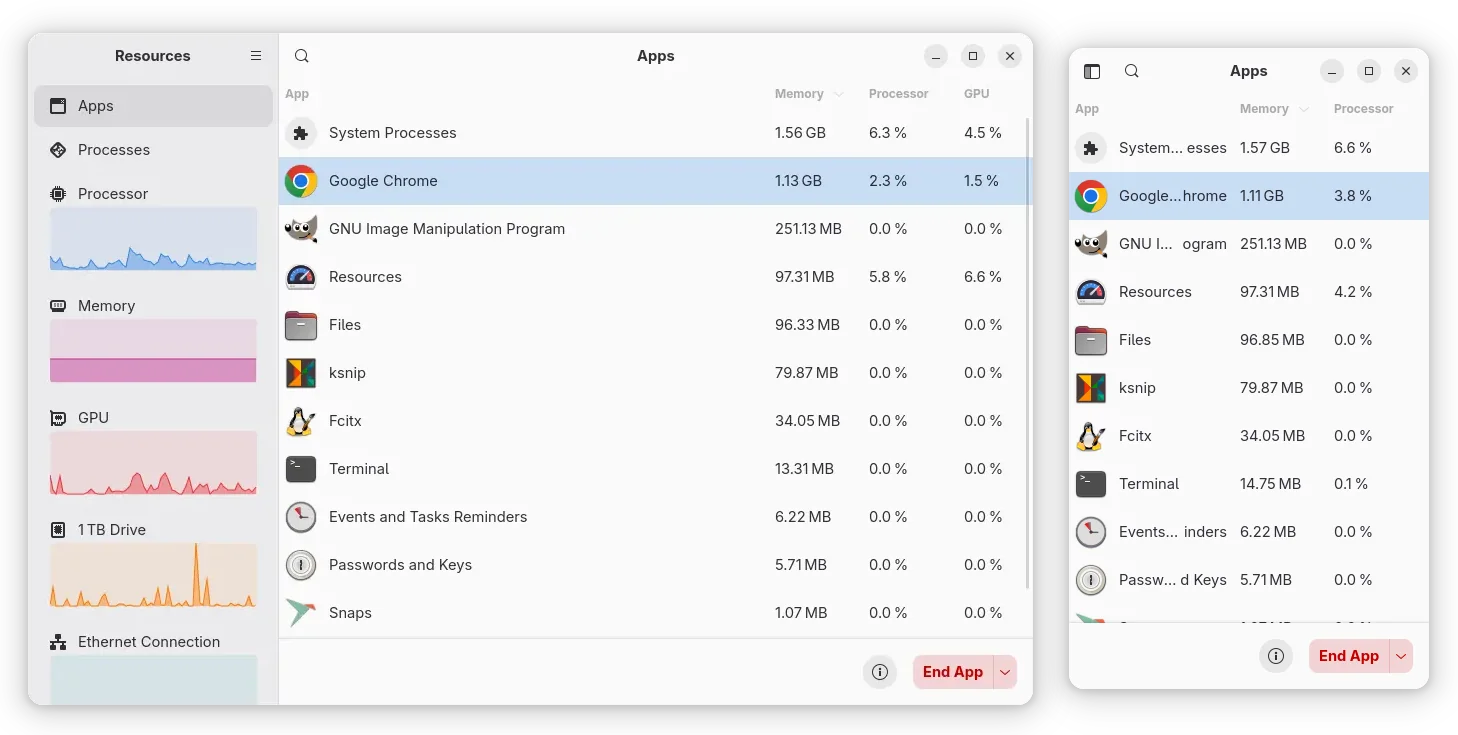
It’s Resources, a free open-source system monitoring application that uses GTK4 plus libadwaita for its modern UI that’s looking native in recent GNOME desktop releases.
Continue Reading…

Want to monitor the usage and/or temperature of your CPU, GPU, Memory with an indicator applet on panel? Here’s a simple indicator that can do the job in Ubuntu with most desktop environments.

There are quite a few Gnome Shell Extensions (e.g., Vitals and Resource Monitor) allow to monitor hardware utilization and temperature within Ubuntu top-bar. But what if you’re not using the default Gnome desktop or you just don’t like extensions?

Continue Reading…

Resources, the modern system monitor and task manager app that’s default in Ubuntu 26.04, released new 1.10.2 version few days ago.

This is a new minor release that includes few bug fixes, translation updates, as well as few improvements for Intel NPU/GPU users.

Continue Reading…

Resources, the system resources and processes monitor that’s default in Ubuntu 26.04, released new 1.10.0 version yesterday.

The new version of this free open-source Rust written application added support for monitoring AMD NPU, the neural processing unit for accelerate AI and machine learning tasks, that found in Ryzen AI 300 / 400 series, Ryzen 7 8700G, Ryzen 5 8600G, and Ryzen 7040/8040 series processors.

Continue Reading…

Mission Center, the popular Linux system monitor and task manager app, released new 1.1.0 version today.

The new release of this free open-source app improved CPU monitoring support. It can now display the amount of electrical energy that CPU consumes in watts.

It works by reading /sys/class/powercap/intel-rapl*/energy_uj for CPU power draw. The file is however unreadable by default for security reason. Meaning user needs to grant read access permission by running the command below in terminal:

sudo chmod a+r /sys/class/powercap/intel-rapl*/energy_uj

Continue Reading…

Resources, the modern task manager and system monitor app for Linux desktop, released new 1.9.0 version few days ago.

The new release of this free open-source application added more languages support, more display options, bug-fixes and improvements.

Continue Reading…

Mission Center, the popular free open-source system monitoring and task managing app for Linux Desktop, release new 1.0.0 version few days ago.

Like Resources, it’s a modern GTK4 tool to monitor CPU, GPU, Memory, Storage and Network devices, while being able to manage running apps, processes, as well as background services.

Continue Reading…

Resources, the free open-source system monitor and task manager app for Linux desktop, released new 1.8.0 version recently with new features.

Resources is a simple yet powerful monitor app written in Rust. It uses GTK 4 for its modern user interface that’s well integrated with GNOME Desktop, and Libadwaita for an adaptive interface that works great in different screen sizes.

Continue Reading…