Archives For Howtos

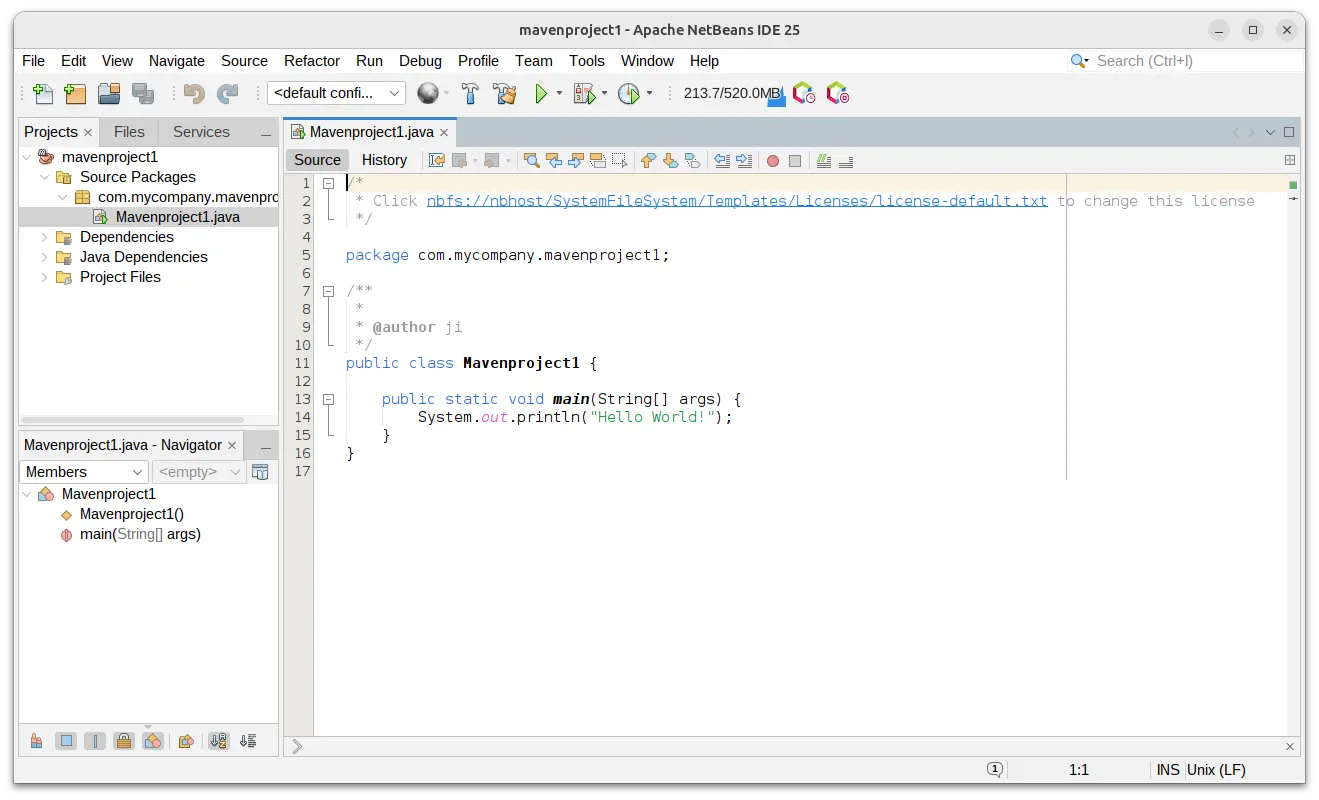
How to Install NetBeans IDE 28 in Ubuntu / Debian

Published: January 2, 2025 — Last updated: November 13, 2025 — 1 Comment

This tutorial shows how to install the most recent Apache NetBeans IDE (version 28 updated) in Ubuntu 22.04, Ubuntu 24.04, Ubuntu 25.10, and Debian 12 / 13, and their based systems, such as Linux Mint 22/21.

NetBeans is a free open-source (Apache License 2.0) Java IDE, that also supports other languages like PHP, C, C++, HTML5, and JavaScript via extensions.

Continue Reading…

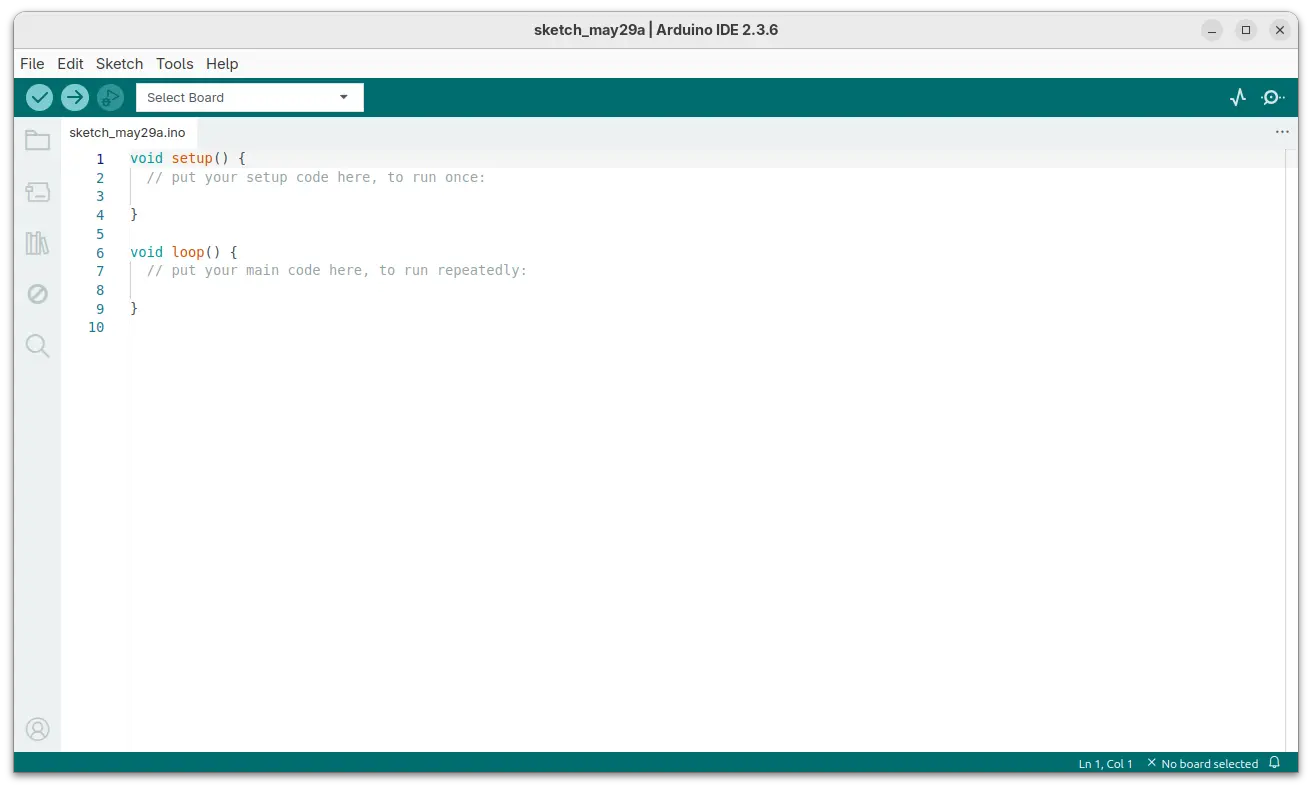
Install The Latest Arduino IDE (2.3.6 Updated) in Ubuntu / Debian

Published: December 31, 2024 — Last updated: May 29, 2025 — 1 Comment

This is a step by step beginner’s guide shows how to install the most recent Arduino IDE (2.3.6 so far) in Ubuntu, Debian, and Linux Mint.

Arduino IDE is free open-source AVR development board IDE from Arduino CC. It’s available in Debian and Ubuntu repositories, but stuck at version 1.8.19, probably because the 2.x versions require internet connection.

If you want to get the 2.x release series, then there are 3 choices: Flatpak, AppImage, and portable Linux Zip archive that work in most Linux distributions.

Continue Reading…

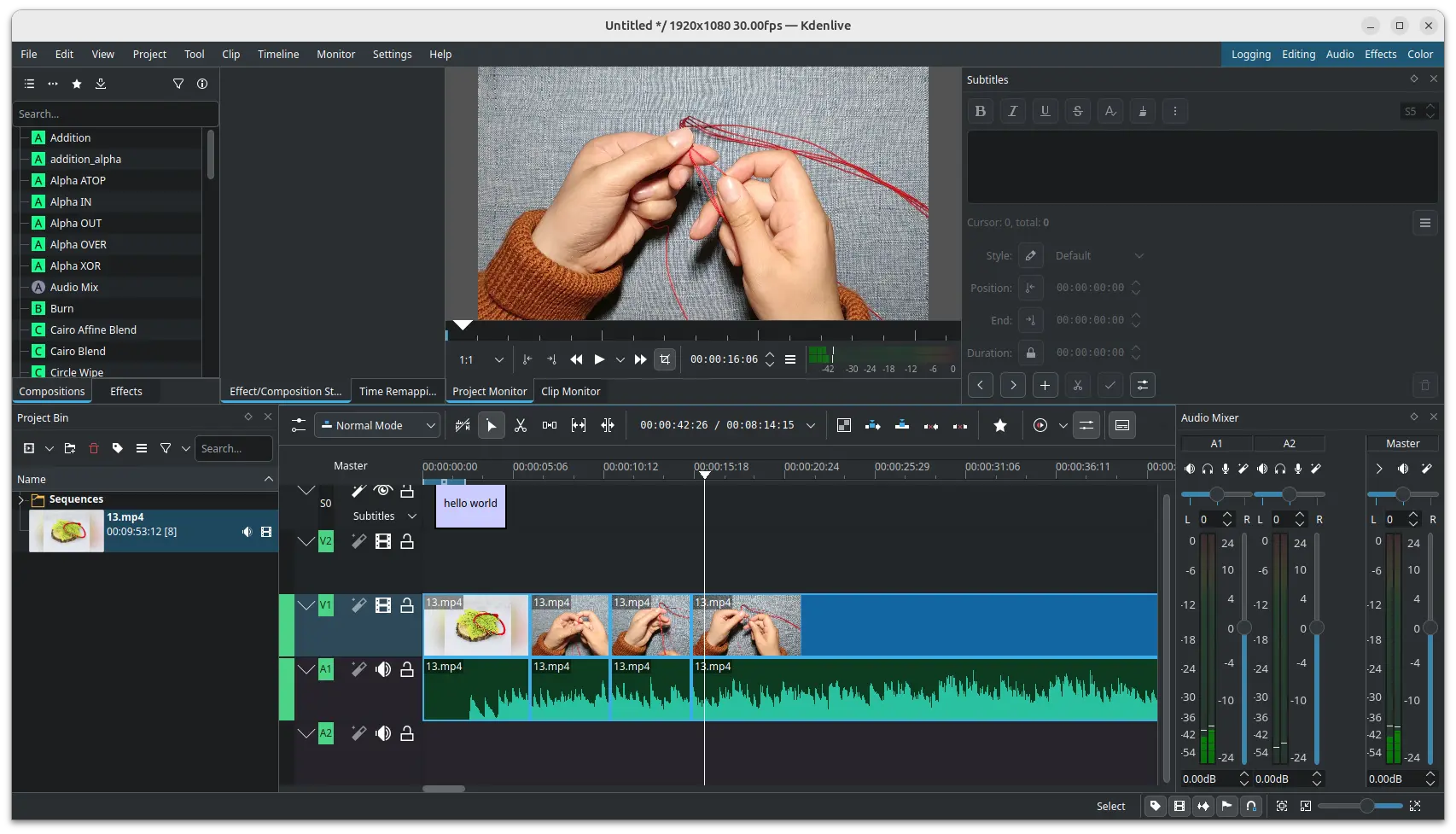
Compile Kdenlive (25.08 Updated) from Source in Ubuntu 25.04

Published: December 30, 2024 — Last updated: August 19, 2025 — 3 Comments

This is a step by step guide shows how to compile the Kdenlive video editor 25.08.0 from source tarball in Ubuntu 25.04.

The popular Kdenlive video editor dropped native .deb package support for Ubuntu since version 24.02. It now provides official Flatpak package and AppImage for universal Linux support.

If you don’t like running it in sandbox environment, then you may choose to build it from source by yourself! And, here’s how to do the job for the most recent 25.04.0 release.

Kdenlive Video Editor

Continue Reading…

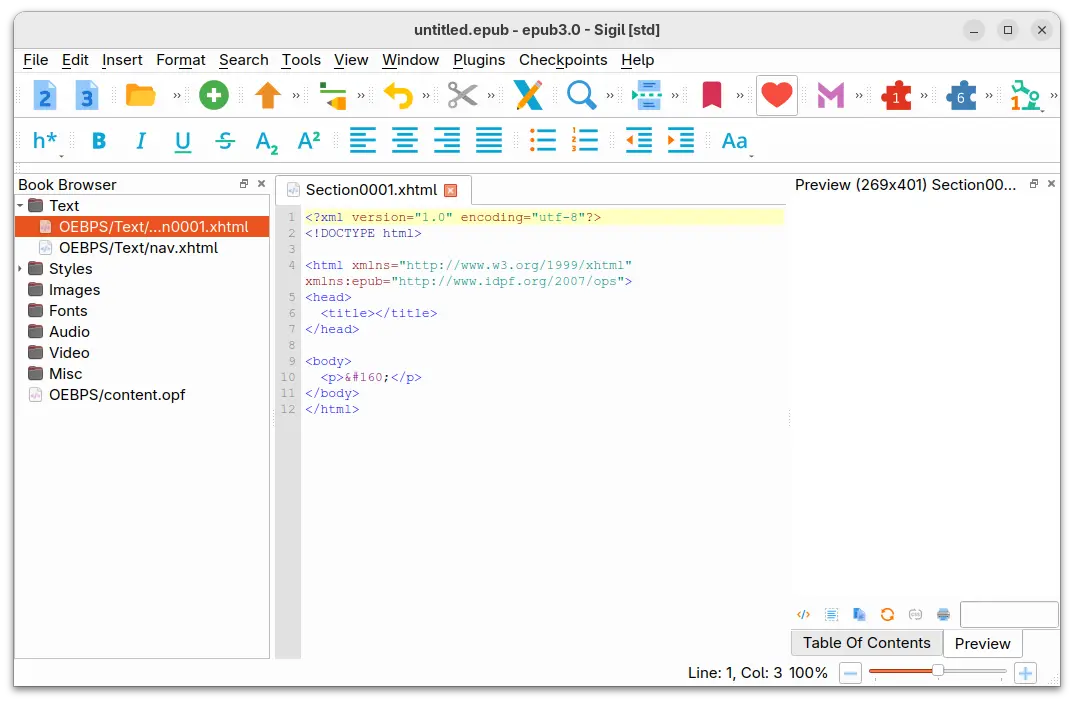
How to Install Sigil (2.7.0 Updated) in Ubuntu 24.04 / Linux Mint 22

Published: December 27, 2024 — Last updated: December 2, 2025 — 2 Comments

This is a step by step guide shows how to install Sigil ePub ebook editor (v2.7.0 so far) in current Ubuntu releases and their based systems.

Sigil is a popular free and open-source ePub ebook editor that works in Windows, Linux, and macOS. However, it does not provide official packages for Linux.

While Sigil in Ubuntu system repository is always old, user can easily install the latest version via the official AppImage, or by compiling it from the source tarball.

Continue Reading…

How to Share ‘Public’ or Certain Folder in Ubuntu 24.04

Published: December 23, 2024 — Last updated: October 13, 2025 — 3 Comments

This tutorial shows how to share either the Public or certain user folder for local network access in Ubuntu 24.04 or Ubuntu 24.10 with default GNOME desktop.

There are quite a few applications designed for local network file sharing/transferring, but for Ubuntu and other Linux with GNOME, there are built-in services to share user specific folder/folders for local access.
Continue Reading…

For those who are waiting for the latest NVIDIA 565.77 driver package, it’s now available in PPA for Ubuntu 22.04, Ubuntu 24.04, and Ubuntu 24.10.

NVIDIA 565.77 is so far the latest feature branch version graphics driver for Linux. As Ubuntu seems to prefer the production branch version, this new driver release will be less likely (in my own opinion) to be add into official system repository.

If the new driver includes specific features and bug-fixes for your device, then you may try the “Graphics Drivers” team PPA maintained by Ubuntu Team members.

Continue Reading…

How to Install / Upgrade to XFCE 4.20 in (X)Ubuntu 24.04

Published: December 17, 2024 — Last updated: May 29, 2026 — 1 Comment

For those who want to try out the new XFCE Desktop 4.20, XUbuntu developer team has made it into the staging PPA for (X)Ubuntu 24.04.

XFCE 4.20 is the new major release of the popular lightweight Linux desktop. It features experimental Wayland support, client-side decoration and hamburger menu for Thunar, power profile daemon, hybrid sleep, and many other exciting new features. See HERE or the official release note for details.
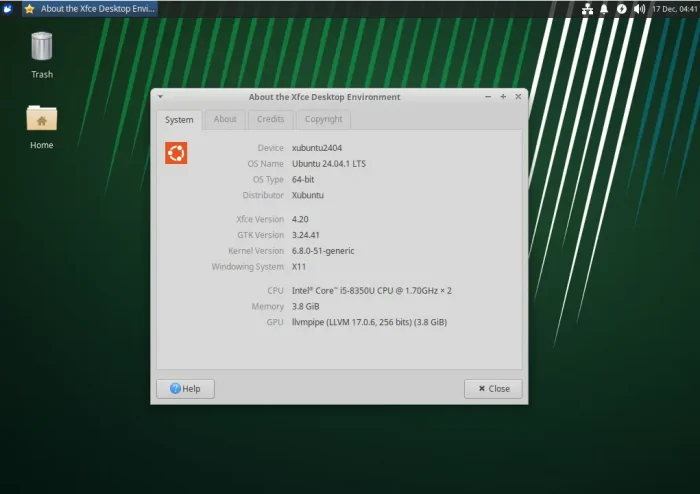
Try XFCE 4.20 in (X)Ubuntu 24.04

XFCE 4.20 will be default in next XUbuntu 25.04, Fedora 42 (spin), and later Linux Distributions.

For (X)Ubuntu, Linux Mint (XFCE edition), Linux Lite users who can’t wait, XUbuntu developer team has made the new desktop release into QA experimental PPA for testing purpose!

NOTE: The packages have been moved to the Staging PPA .

1. First, press Ctrl+Alt+T on keyboard to open up a terminal window. When it opens, run command to add the PPA:

sudo add-apt-repository ppa:xubuntu-dev/staging
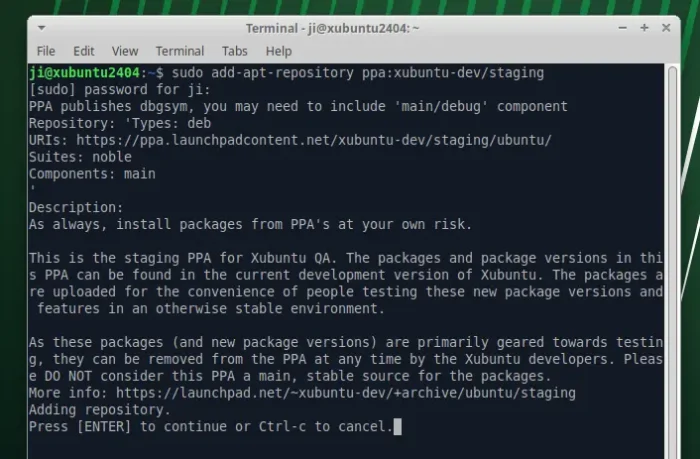
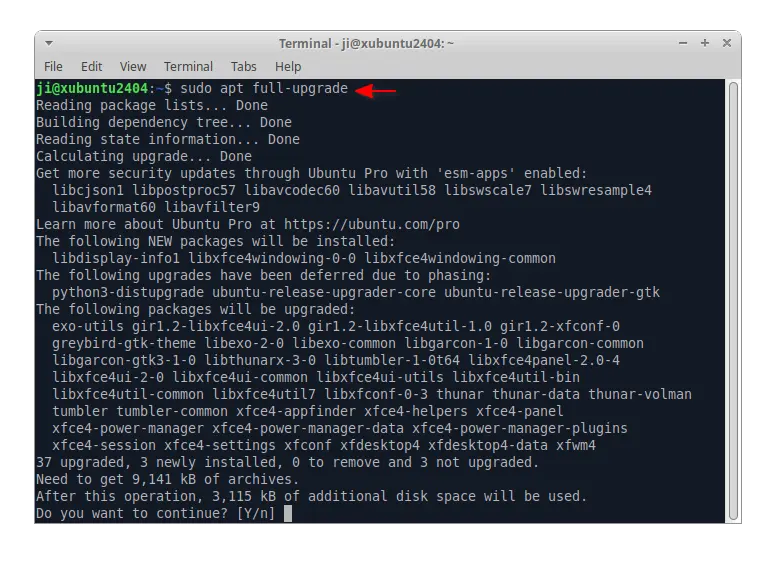
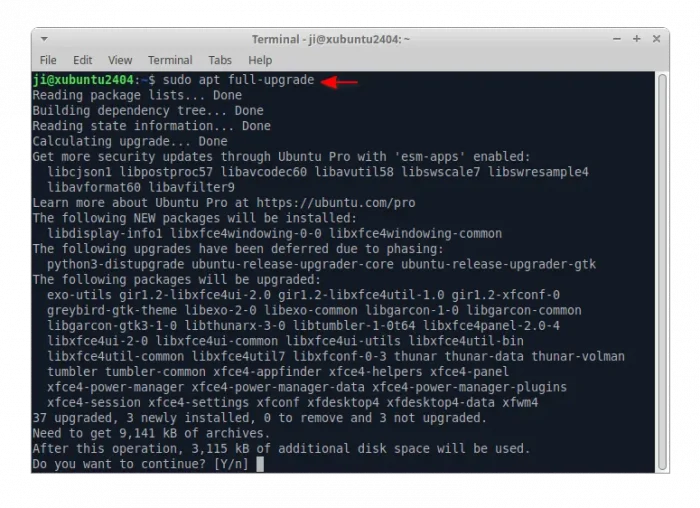
2. After adding PPA, just run command to install all available updates to upgrade to XFCE 4.20:

sudo apt full-upgrade

NOTE: Linux Mint user may need to run sudo apt update first to refresh package cache.
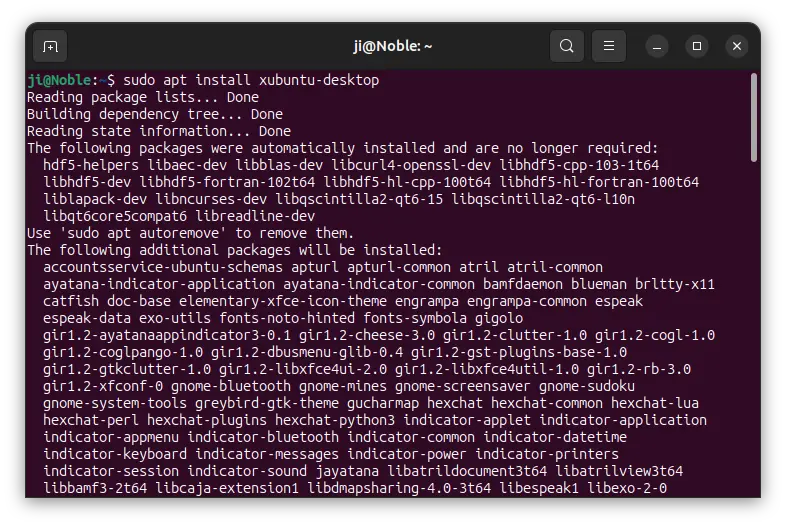
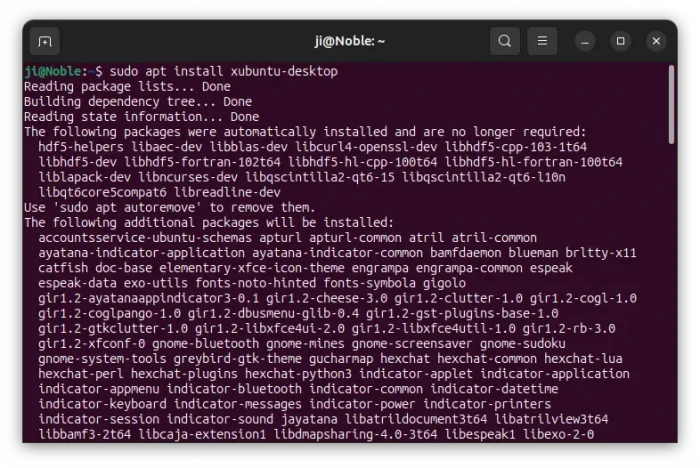
For non-XUbuntu or Ubuntu based systems without XFCE4, you need to run the command below instead to install the new desktop environment:

sudo apt install xubuntu-desktop

Tips: It’s recommended to copy what packages it’s going to install, in case you want to uninstall them later.
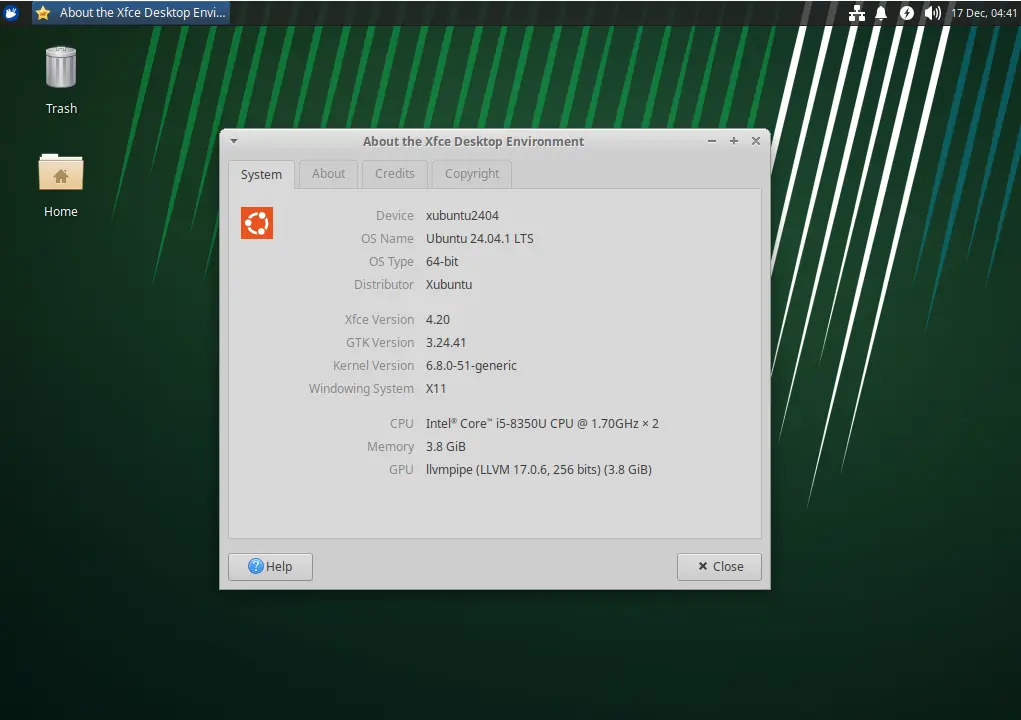
After installation, restart your computer. Then, launch “XFCE About” dialog to check the desktop version.

Uninstall XFCE 4.20

To restore the previous XFCE Desktop 4.18, simply install ppa-purge tool, then use it to purge that PPA which will downgrade all the install packages.

First, open terminal (Ctrl+Alt+T) and run command to install ppa-purge:

sudo apt install ppa-purge

Then, use the command below to purge the QA experimental PPA:

sudo ppa-purge ppa:xubuntu-dev/staging

To remove XFCE desktop (don’t do it in XUbuntu or other Linux xfce edition), then try running command:

sudo apt remove --autoremove xfce4* libxfce4* xubuntu-* xfwm4

Configure the Default OS or kernel to Boot in Ubuntu 26.04, 24.04

Published: December 12, 2024 — Last updated: May 29, 2026 — 2 Comments

Dual-boot or multi-boot Ubuntu with other operating systems? This is a step by step beginner’s tutorial shows how to set the default OS or kernel entry in Grub boot-menu in Ubuntu, Linux Mint, Debian or other Linux.

Most Linux today uses Grub2 to provide a menu on start-up, allowing to choose which operating system, which kernel, or recovery mode to boot.

It by default boots the first entry, while user can configure to automatically boot another menu entries without user interaction. And, here’s how to do the trick in 2 ways: from command line or use a graphical tool.

Continue Reading…

Want to optimize your Linux desktop for responsiveness or gaming? Try the custom Libquorix or XanMod Kernels.

Besides the default and mainline Kernels, there are some other kernels available for Debian/Ubuntu users.

Continue Reading…

How to Remove the Old VMWare Workstation Player in Ubuntu

Published: December 11, 2024 — Last updated: December 11, 2024 — Leave a comment

This tutorial shows you how to completely remove the old VMWare Workstation player in Ubuntu 24.04 and Linux Mint 22.

I was trying to install the new VMWare Workstation Pro 17.6.1 today in my Ubuntu laptop. The official installer however told me to uninstall the old VMWare Player 17.5.0.0 first.

The problem was that wmware-installer somehow refused to uninstall the previous package, so I can’t get the new one installed! If you ran into similar issue, then this tutorial may help.

Continue Reading…