Archives For Howtos

How to Install GO (golang 1.27) in Ubuntu 26.04 | 24.04 | 22.04

Published: February 7, 2024 — Last updated: August 25, 2026

Go programming language announced the new 1.27 release on 19 August 2026! Here’s the new features and how to install guide for Ubuntu & other Linux.

What’s New in Go 1.27:

  • New generic methods that can now declare their own type parameters.
  • Add encoding/json/v2 package with stricter defaults and significantly faster unmarshaling.
  • Add crypto/mldsa package implements ML-DSA (FIPS 204.
  • New uuid package for generating and parsing UUIDs.
  • New portable simd package (experimental).
  • goroutineleak is now a generally available.
  • Compiler tools now support @file response files.
  • go test runs the stdversion vet check by default.
  • go doc gains package@version and executable-example support.
  • The big-endian 64-bit PowerPC port now uses the ELFv2 ABI.
  • Update unicode 15 to 17.

See the announcement for more changes in Go 1.27.

Continue Reading…

Enable Fingerprint Reader in Ubuntu 26.04, 24.04, 22.04 for ThinkPad T480s

Published: February 6, 2024 — Last updated: August 18, 2026

This is a step by step guide shows how to enable fingerprint reader support for Lenovo ThinkPad T480/T480s, X1 Carbon 6th gen, X1 Yoga 3rd gen, X280, etc with 06cb:009a device in Ubuntu 22.04, Ubuntu 24.04, Ubuntu 25.10, and Ubuntu 26.04.

Ubuntu has fingerprint reader support out-of-the-box using libfprint, and provides option to enable fingerprint login in Users settings page. However, the library has a list of unsupported devices, including 06cb:009a that’s built-in in my used ThinkPad T480s laptop.

Thankfully, there’s a free open-source alternative python-validity that works in my case. Here’s how to install and set it up in Ubuntu 22.04 and higher, while Ubuntu 20.04 is also supported.

UPDATE: For Ubuntu 26.04 LTS, there’s now a patched version of libfprint library to make life easier! See how to section in this tutorial.

Step 1: Tell Which Fingerprint Reader device your laptop have

First of all, you may press Ctrl+Alt+T on keyboard to open up a terminal window.

Then run command to find out the device name of your fingerprint reader:

Continue Reading…

How to Set Battery Charge Limit in Ubuntu 22.04 & 24.04

Published: February 6, 2024 — Last updated: September 5, 2026

This is a step by step beginner’s guide shows how to configure your Ubuntu laptop to limit the maximum battery charge level.

For those who keep laptop plugged in for long term, it’s better to set battery charge limit to reduce the battery wear by constantly trickle charging.

Linux Kernel supports battery charge threshold, and there’s a merge request to provide graphical UI options in Gnome Control Center. Until GNOME officially support this feature, you can follow this tutorial to do the job step by step.

Continue Reading…

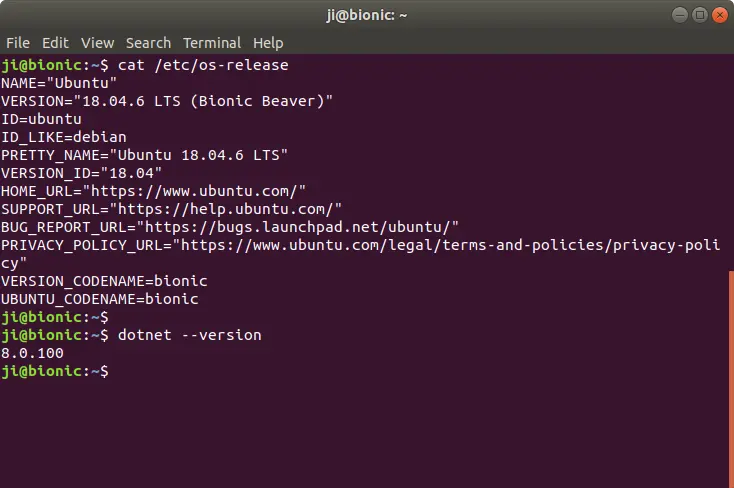
New PPA to Install .NET 8 in old Ubuntu 18.04 & Ubuntu 16.04

Published: February 4, 2024 — Last updated: February 5, 2024

For .NET developers, the latest .NET 8 can be installed on old Ubuntu 18.04 and/or Ubuntu 16.04 LTS easily through PPA.

.NET 8 was released few months ago in November, 2023. It’s a new LTS release with 3 years support, and features new code generator “Dynamic Profile-Guided Optimization” (PGO), AVX-512 instruction set, out-of-the-box AI features, first preview of .NET Aspire, native AoT, and various other changes. See the release note for details.

.NET 8 is made into Ubuntu system repositories for Ubuntu 23.10 and upcoming Ubuntu 24.04. For Ubuntu 22.04 and Ubuntu 20.04 LTS, I’ve written how to install .NET 8 from Microsoft repository.

For users of Ubuntu 16.04 and Ubuntu 18.04 who can’t upgrade the system, there’s now a third-party PPA contains the .NET 8 packages for 64-bit Intel/AMD machines.

The PPA is maintained by Rob Savoury, who maintains so many PPAs with Blender, Chromium, FFmpeg, Firefox, LibreOffice, Qt5/6, Python, LLVM, Node.js, and other popular software packages with old Ubuntu 16.04 and Ubuntu 18.04 support!


Continue Reading…

This simple tutorial shows how to install and use Incus container in Ubuntu 22.04 and Ubuntu 20.04 LTS.

Incus is a free open-source system container and virtual machine manager developed by Linux Containers community. It supports images for a large number of Linux distributions.

With it, you can manage your containers and VMs either with a simple command line tool, directly through the REST API or by using third-party tools and integrations.

Incus was started as community fork of Canonical’s LXD. Now, it’s led and maintained by much of the same people that once created LXD.

Step 1: Install Incus

Incus is available in Zabbly repository maintained by the software developer. So far, it supports Ubuntu 22.04, Ubuntu 20.04, Debian 12 and Debian 11.

To install it, first open terminal from system start menu or Gnome activities overview screen. Ubuntu users can simply press Ctrl+Alt+T on keyboard.

Continue Reading…

How to Install Python 3.13 Stable in Ubuntu 24.04 / 22.04

Published: February 3, 2024 — Last updated: October 9, 2024

This simple tutorial shows how to install Python 3.13 in Ubuntu 24.04, Ubuntu 22.04, and/or Ubuntu 20.04 LTS.

Python 3.13.0 was released on Oct 7, 2024 as the new major release that features new interactive interpreter, that supports multi-line editing, REPL-specific commands such as help, exit, clear, and quit, interactive help, history browsing, and ‘paste mode’ for pasting larger blocks of code.

CPython now has experimental support for free-threaded mode for running threads in parallel on available CPU cores, though disabled by default.

Other changes in Python 3.13.0 include:

  • New interactive interpreter, features multi-line editing and color support, as well as colorized exception tracebacks.
  • Experimental free-threaded build mode.
  • A preliminary, experimental JIT.
  • The (cyclic) garbage collector is now incremental.
  • Include a modified version of mimalloc, and enabled by default if supported by the platform.
  • Docstrings now have their leading indentation stripped, reducing memory use and the size of .pyc files.
  • The dbm module has a new dbm.sqlite3 backend that is used by default when creating new files.
  • Support for type defaults in type parameters.
  • New type narrowing annotation, typing.TypeIs.
  • New annotation for read-only items in TypeDicts.
  • Removals of many deprecated modules: aifc, audioop, chunk, cgi, cgitb, crypt, imghdr, mailcap, msilib, nis, nntplib, ossaudiodev, pipes, sndhdr, spwd, sunau, telnetlib, uu, xdrlib, lib2to3.

For more, see the official release note.

Continue Reading…

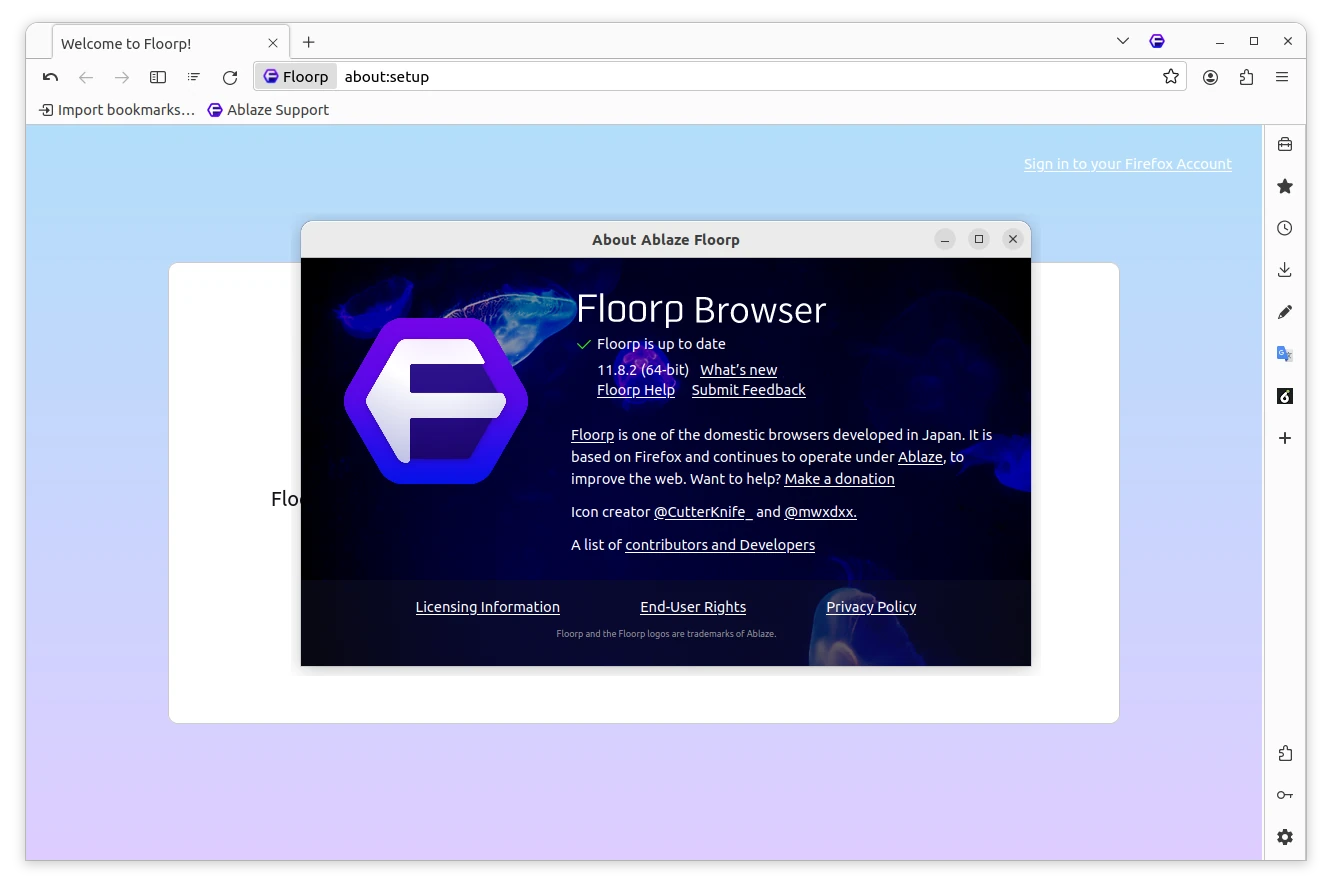
How to Install Floorp Web Browser in Ubuntu (Step by Step)

Published: February 2, 2024 — Last updated: June 24, 2026

This is a step by step beginners guide shows how to install the Floorp web browser in Ubuntu Desktop.

Floorp is a new free open-source web browser forked from Firefox. It’s promoted as “the most Advanced and Fastest Firefox derivative”.

The browser is based on Firefox ESR. It’s updated every 4 weeks, with security updates provided before each Firefox release. It has strong tracking protection, no user tracking, flexible layout, and switchable design.

Floorp provides official Linux packages through an apt repository and Flatpak package. There’s also a portable Linux tarball available to in its download page. For beginners here’s a step by step screenshots as well as descriptions.

Floorp Web Browser

Continue Reading…

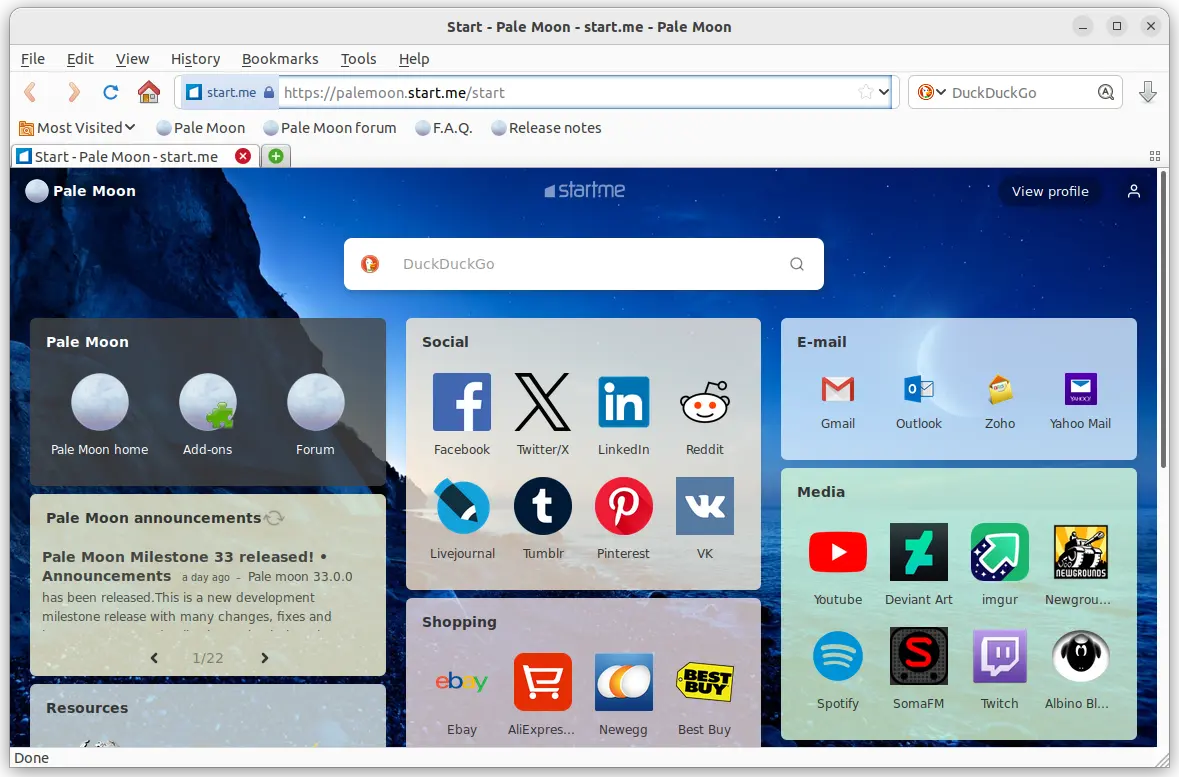
How to Install Pale Moon with its Linux Tarball (Beginners Guide)

Published: January 31, 2024 — Last updated: February 1, 2024

This is a step by step beginners guide shows how to install Pale Moon web browser through its official Linux tarball in Ubuntu.

Pale Moon is a free open-source web browser that was started as a fork of Firefox, but now completely diverged from Firefox. It retains the highly customizable user interface, continues to support legacy add-ons and extensions, and runs in single-process mode.

The browser provides official package for Linux through a tarball, the binary package however is proprietary but NOT open-source.

This tutorial is going to show you how to install it through the tarball, though there’s an 3rd party apt repository contains the .deb package for choice.

Continue Reading…

Get Firefox VA-API Hardware Acceleration working on NVIDIA GPU

Published: January 29, 2024 — Last updated: May 14, 2026

For Ubuntu machine with NVIDIA graphics card, here’s how to implement hardware acceleration for video playback in Firefox web browser.

Firefox so far only supports VA-API for GPU decoding to offload CPU and save power. Both Intel and AMD GPUs support VA-API. However, NVIDIA so far supports the api only through the open-source Nouveau driver.

If you have only NVIDIA GPU running with proprietary driver, then hardware video acceleration does not work out-of-the-box for Firefox.

For choice, there are libvdpau-va-gl1 driver (h.264 only) or libva-vdpau-driver, but both seem no longer updated. The best choice so far is the free open-source nvidia vaapi driver.
Continue Reading…

How to Install GNOME’s New Camera App in Ubuntu 24.04

Published: January 27, 2024 — Last updated: November 25, 2024

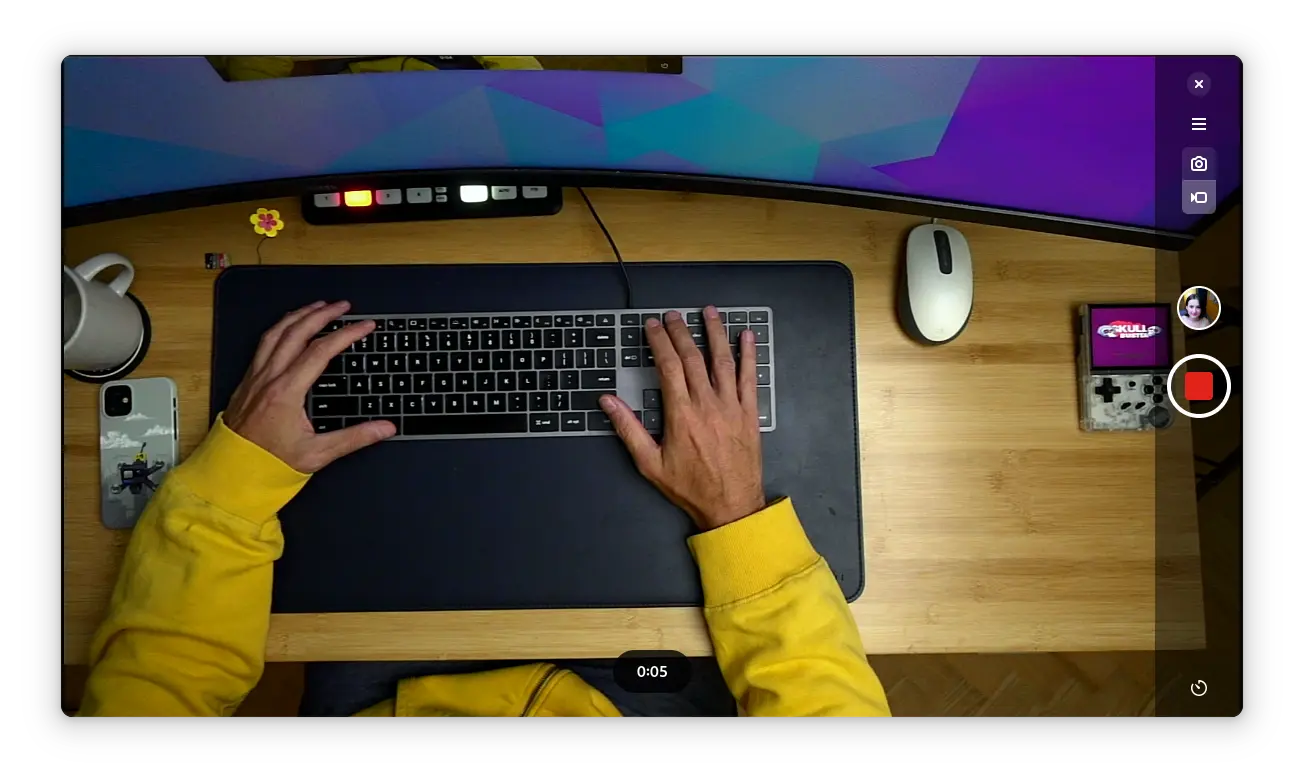
GNOME introduced new core camera app in the release of version 45, which however not adopted as default in Ubuntu 23.10 or Fedora 39.

If you want to try it out, then here’s how to do the trick in Ubuntu 24.04 and/or Ubuntu 23.10, and workaround “No Camera Found” issue.

The new camera app, aka Gnome Snapshot, is written in GTK4 + Libadwaita. Compare to Cheese, it looks more modern and native in current Ubuntu and Fedora Workstation.

Image from gnome.org

Continue Reading…